Free Framer Templates (2026): 3 Free Templates Worth Launching With
Three free Framer templates for portfolios, agencies and SaaS: what each one includes, who it suits, and what to check before you launch on a free template.





A good free template can save you weeks. You skip the blank canvas, start from a layout that already works on mobile, and spend your time on the part only you can do: the words, the work and the offer.
But "free" can mean very different things. Some free templates are one page with placeholder text. Others come with a working blog, project pages and a CMS you can keep adding to. This guide covers the three free Framer templates we make at WORKSHOP99, what each one actually includes, and how to tell whether any free template is ready for a real launch.
Key takeaways
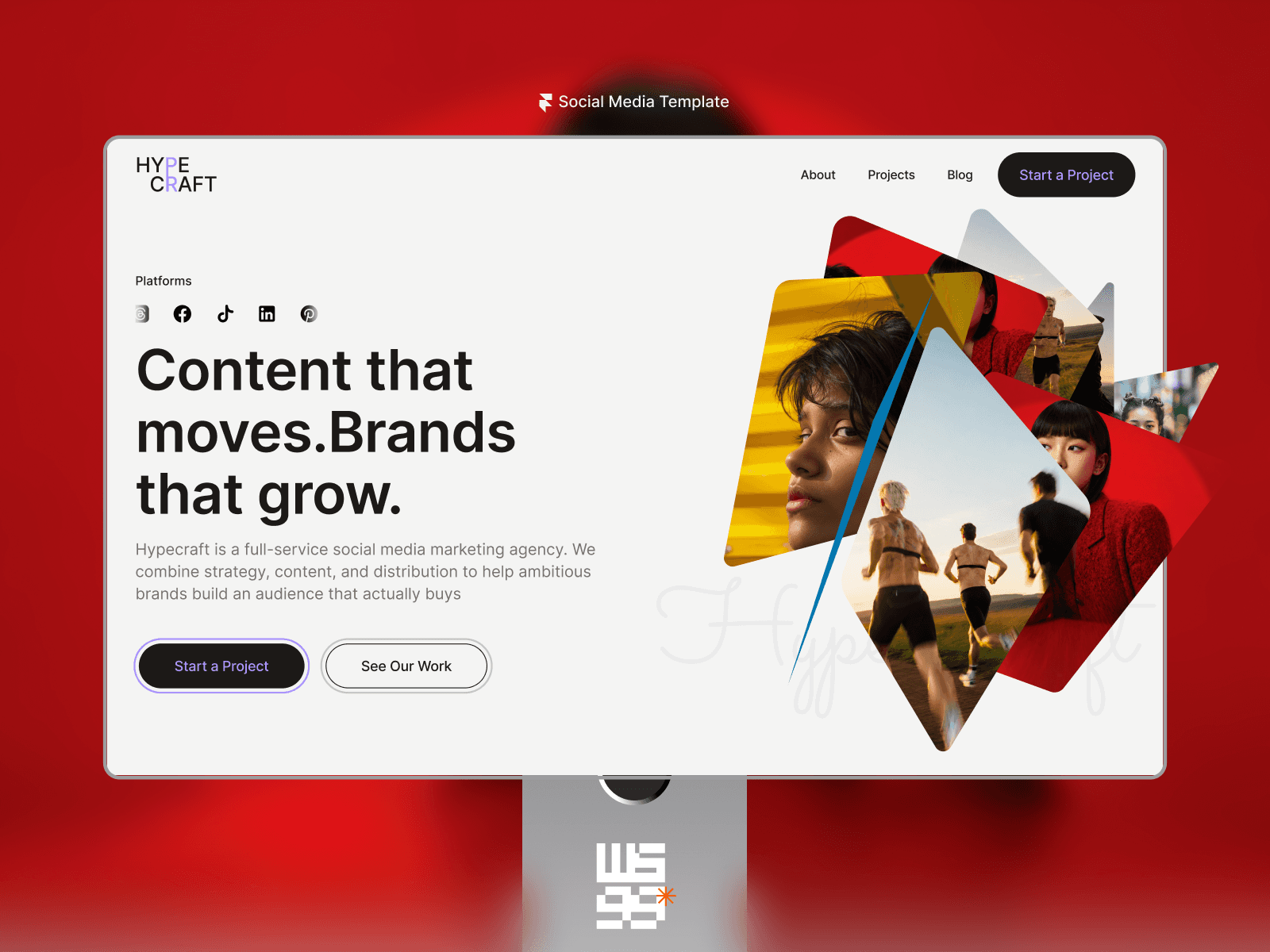
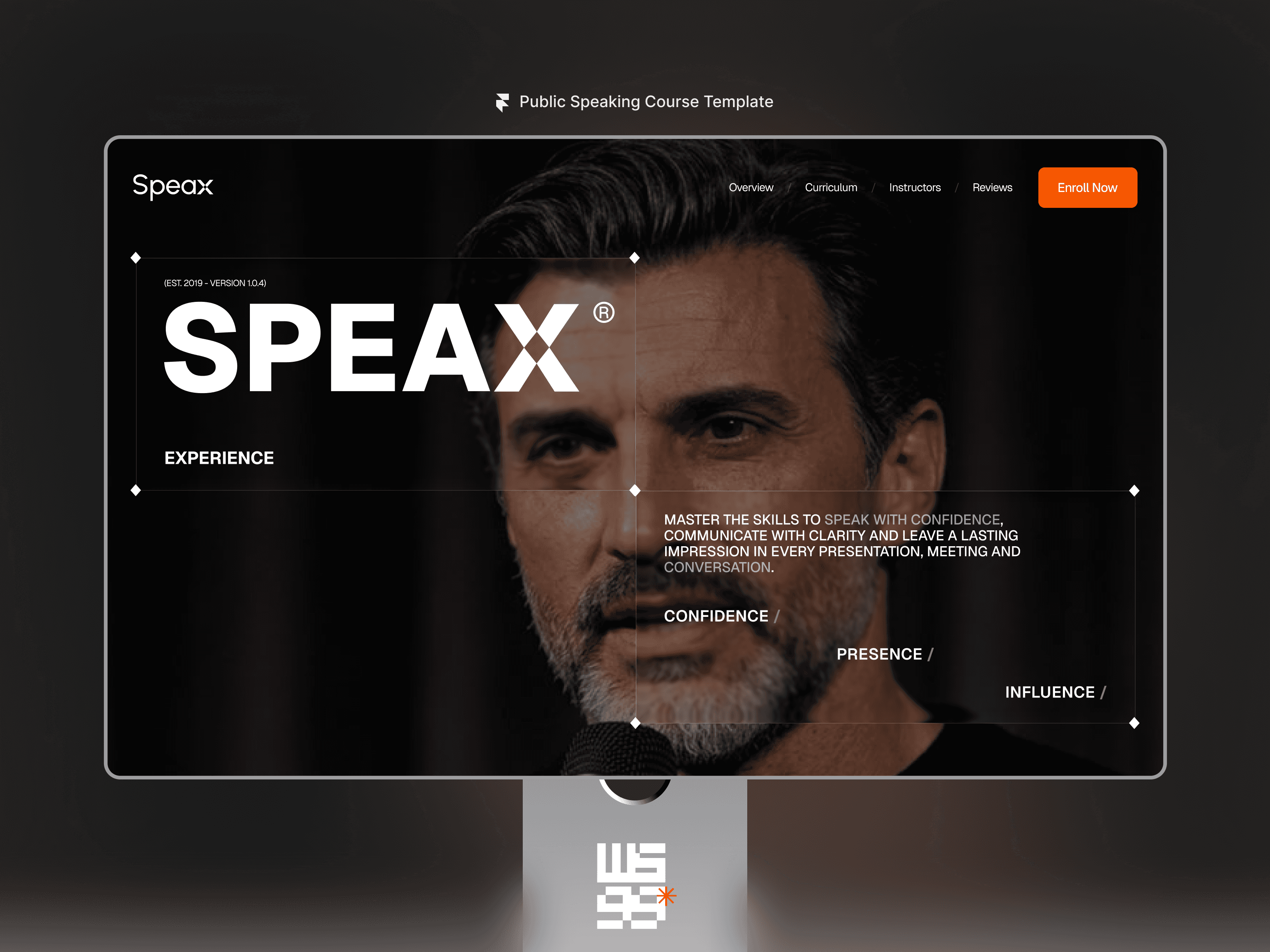
WORKSHOP99 has three free Framer templates: Ruvelo (personal portfolio), Elvora (agency) and Nexiflow (SaaS and AI).
Ruvelo is a focused one-page portfolio (Home and 404). Elvora and Nexiflow are full multi-page sites with CMS collections for projects, blog posts and legal pages.
A free template is not the same as free hosting. On Framer's free plan your site publishes to a framer.website address with a Framer banner. Your own domain needs a paid site plan.
Before you launch any free template, check five things: the pages you need, the CMS, mobile layouts, image rights and SEO settings.
What "free" covers in Framer
There are two separate costs when you build on Framer: the template and the site plan.
The template is the design and structure you duplicate into your own Framer account. A free template costs nothing to duplicate and edit.
The site plan is what you pay Framer to host the site. You can build and publish on Framer's free plan, but the site lives on a framer.website subdomain and shows a "Made in Framer" banner. To use your own domain (yourname.com) and remove the banner, you upgrade that site to a paid plan. Framer changes its plans and prices from time to time, so check Framer's pricing page before you decide.
That split is useful: you can build the whole site for free, share the framer.website link for feedback, and only pay once you are ready to put it on your domain.
The 3 free Framer templates
1. Ruvelo: free portfolio template
Ruvelo is a sleek, minimalist portfolio built to put your visuals front and centre. It is a single, focused home page (plus a 404 page), which is exactly what most freelancers need at the start: one link that shows who you are, what you do and your best work.
Pages: Home, 404.
Made for: freelance designers and creative professionals, UI/UX and product designers, web designers and developers, creative and art directors, and independent professionals building a personal brand.
Pick it if: you want a portfolio you can finish in a weekend and drop into every proposal, bio and email signature.
2. Elvora: free agency template
Elvora is a bold, conversion-focused agency site. Unlike most free templates, it is a complete multi-page website with CMS collections, so you can keep adding case studies and articles without touching the layout.
Pages: Home, About us, Contact us, Projects (CMS), Project details (CMS), Blog (CMS), Blog details (CMS), Legal (CMS) and 404.
Made for: creative and digital agencies, brand strategy and design studios, web and UI/UX agencies, creative production teams, and independent studios.
Pick it if: you run a small studio and want case studies and a blog from day one.
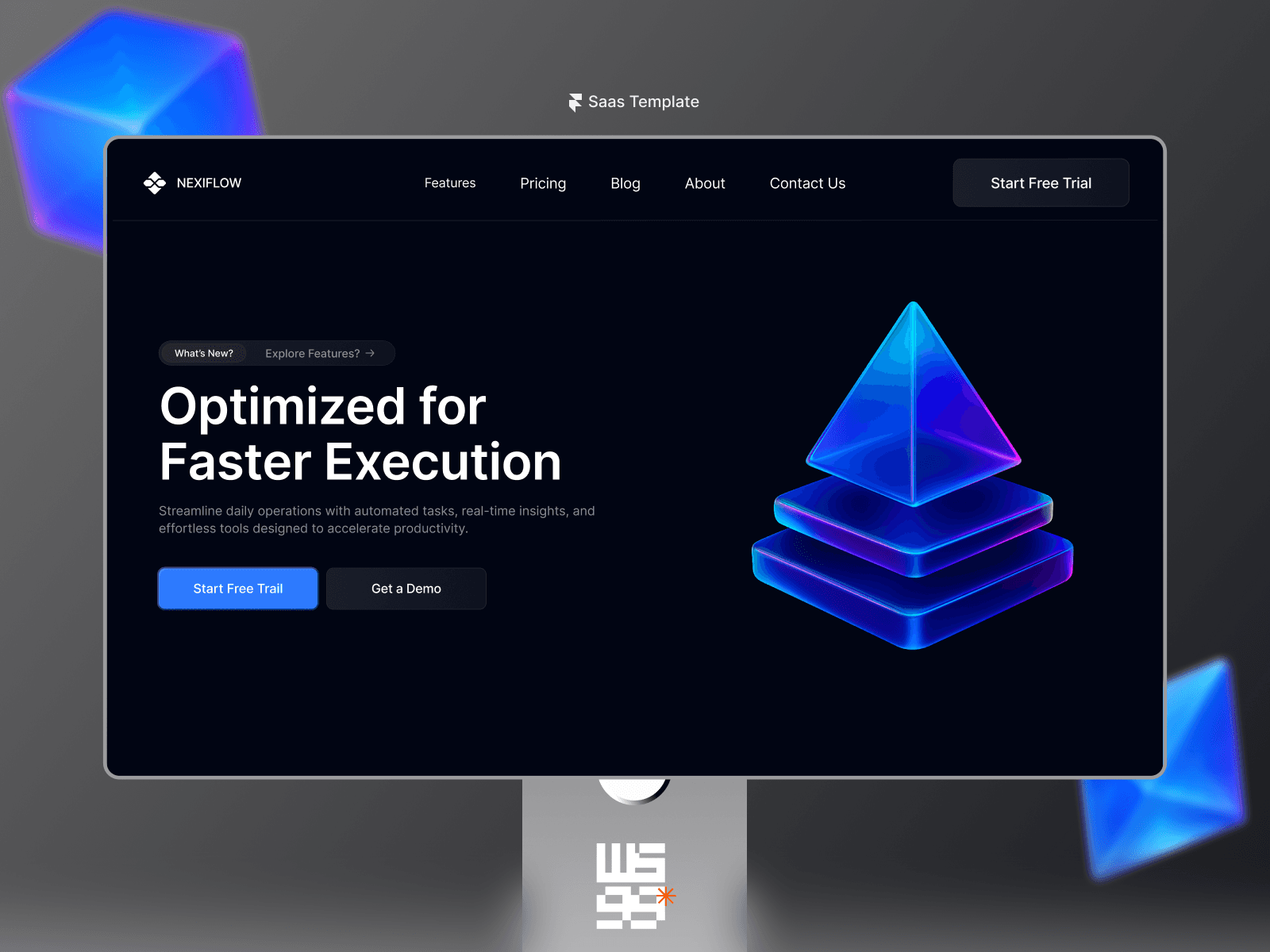
3. Nexiflow: free SaaS and AI template
Nexiflow is a clean SaaS template for startups and digital products. It includes the pages a software product usually needs early on, including pricing and a changelog.
Pages: Home, About us, Contact us, Pricing, Changelog (CMS), Blog (CMS), Blog details (CMS), Legal (CMS) and 404.
Made for: AI startups and technology companies, AI automation agencies, automation consultants, AI and software development agencies, and businesses helping companies adopt AI.
Pick it if: you are launching a product, a waitlist or an AI service and need a credible site with pricing and release notes.
What all three include
Easy to customise, with no coding required
Fully responsive across desktop, tablet and mobile
Built entirely in Framer, with no plugins required
Flexible components and global styles for quick brand changes
Smooth animations and interactions
An SEO-ready structure
5 things to check before you launch any free template
Whether you use one of ours or someone else's, run through this list before you publish.
1. Does it have the pages you need?
List the pages your visitors will look for: work, services, about, contact, pricing, blog. A one-page template is perfect for a portfolio, but if you plan to publish case studies or articles, start with a template that already has CMS pages for them. Adding a CMS structure later is possible in Framer, but it is slower than starting with one.
2. Is the CMS set up properly?
Open the CMS collections and look at the fields. A good template uses real fields (title, cover image, summary, body) rather than text typed straight onto the page, so a new project or post takes minutes to add.
3. Does it work on a phone?
Preview every page at mobile width. Check that headings don't overflow, that menus open and that buttons are easy to tap. Most visitors will see your site on a phone first.
4. Can you replace every demo image?
Templates ship with demo images so the layout looks finished. Replace all of them with your own work or properly licensed images before you publish.
5. Are the SEO basics in place?
Set a page title and meta description for every page, add alt text to images, and give each CMS item a clean slug. These take ten minutes and help search engines understand your site from day one.
How to choose
Freelancer or job seeker who needs one strong page: Ruvelo.
Studio or agency that wants case studies and a blog: Elvora.
Startup or AI service with pricing and product updates: Nexiflow.
When a free template doesn't fit, it is usually because your niche needs a specific layout. A real estate site needs property listings (Havyn), a photographer needs a gallery-first portfolio (Optic Studio), and a coach selling a programme needs a long sales page (Zeen). You can browse every free and premium option on the WORKSHOP99 templates page.
Launch your free template in an afternoon
Get the template. Open the template page and click Get Template. You'll get a link that duplicates it into your Framer account.
Set your brand. Change the global colours and fonts first. Every page updates at once.
Write the home page. One line on who you help and what you do, then your best two or three pieces of work.
Add your content. Replace demo text and images. On CMS templates, add your first projects or posts.
Do the SEO basics. Titles, descriptions, alt text and slugs.
Publish. Publish to your free framer.website address, share it for feedback, and connect your own domain when you're ready.
FAQ
Are WORKSHOP99's free Framer templates really free?
Yes. Ruvelo, Elvora and Nexiflow cost nothing to duplicate and edit. The only cost you may have is Framer's own site plan if you want a custom domain and no Framer banner.
Can I use a free Framer template with my own domain?
Yes, once you upgrade that site to a paid Framer site plan. On the free plan, the site publishes to a framer.website subdomain.
Do I need to know how to code?
No. All three templates are built entirely in Framer, so you edit text, images and colours visually.
Can I add a blog to Ruvelo?
Ruvelo ships with Home and 404 only. You can add pages and CMS collections yourself in Framer, but if you know you want a blog from the start, Elvora already includes one.
What's the difference between free and paid templates?
Paid templates are built for a specific niche, such as real estate, photography or coaching, with the sections and CMS collections that niche needs. Free templates are more general starting points. See all of them on the templates page.

More Blogs
Ideas and inspiration for creators
Our blog covers everything from website strategy to design best practices, keeping you ahead.